

Find basketball games with a local two-player option on one device. Compare each game's keyboard layout and match style before sharing the court.
Local two-player basketball on one keyboard
Eight games in this collection have a local two-player option in the linked build: Basketball Bros, Basketball Legends 2020, Basketball Stars, Dunkers, Basket Random, Basketball Slam Dunk, Basketball Plus+, and Head Basketball. Both people share one device, which is different from an online room or matchmaking against someone on another computer.
The menu wording varies by host. Basketball Bros calls its option 2 Players Same PC; Head Basketball shows 2 Players and describes same-PC play. Check the individual game page for the exact choice and current controls before loading a match.
Check both players' keys first
Shared-keyboard games can feel crowded if you sit too far apart or choose controls that clash with how you hold the keyboard. The current mappings separate the two sides: some games use WASD and arrows, some add action keys, and the physics titles use one jump key for each player.
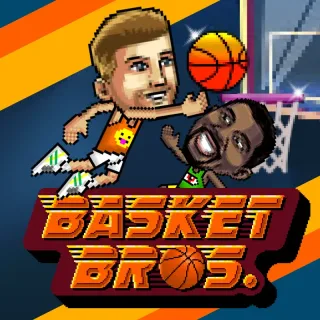
- Basketball Bros: Player 1 uses WASD and G; Player 2 uses the arrow keys and L.
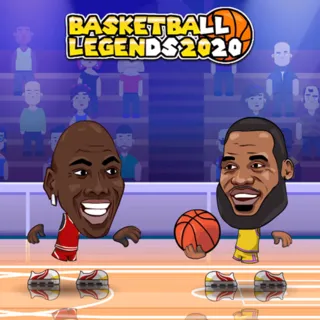
- Basketball Legends 2020: Player 1 uses WASD with B, S, and V; Player 2 uses the arrows with L, Down, and K.
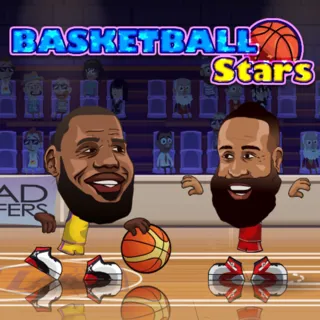
- Basketball Stars: Player 1 uses arrows with X and Z; Player 2 uses WASD with B and V. Double-tapping a horizontal direction dashes in this build.
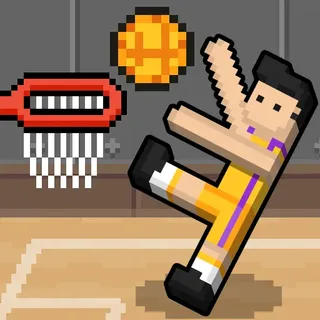
- Dunkers: W for Player 1 and Up Arrow for Player 2. Basket Random uses the same two jump keys for its teams.
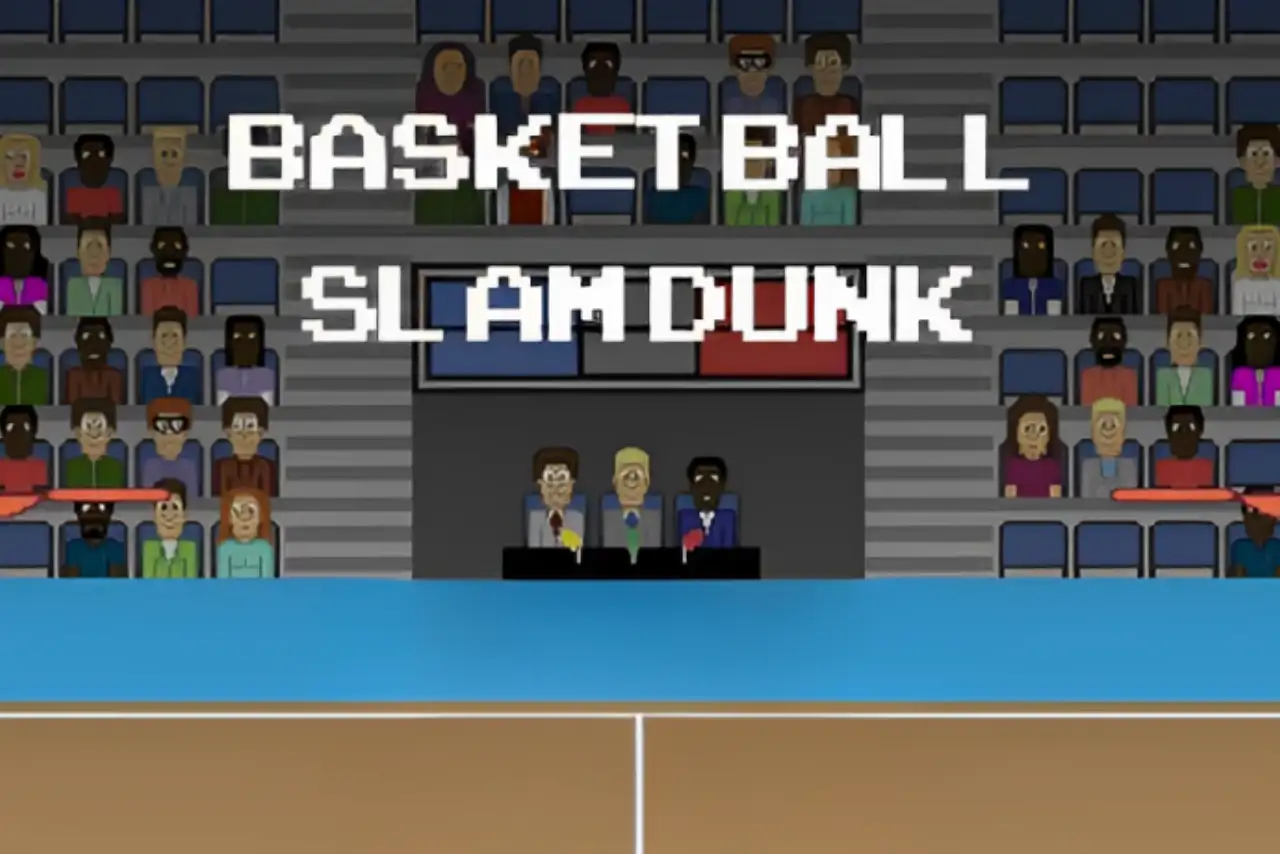
- Basketball Slam Dunk: A/D and W for Player 1; Left/Right and Up for Player 2. The directional pair moves and jumps; the vertical action key throws.
- Basketball Plus+: Player 1 uses WASD + V; Player 2 uses arrows + period. The 2v2 help shows C or / to pass; double-tap to dash and combine movement with the action key to dunk.
- Head Basketball: Player 1 uses WASD plus B, S, and V; Player 2 uses Arrow keys plus L, Down, and K. The source says double-tap D or Left Arrow to dash.
Pick the pace that suits both players
Basketball Bros offers Play Now, Practice, and Tournament. Basketball Legends 2020 and Basketball Stars have Quick Match choices, with Stars also listing a Tutorial. Basketball Slam Dunk is a first-to-three match, while Head Basketball offers 1 Player, 2 Players, Quick Match, and training. Choose a pace that suits both players.
Dunkers and Basket Random lean on physics and simpler keys. The Basketball Plus+ embed shows Single Player, Multiplayer, Quick Match, and Credits, then offers 1v1 or 2v2 team selection. Its developer landing text also mentions Tournament and Career, which are not shown on this reviewed build's title screen.
Playing alone still works
A two-player category does not mean you need a partner. Basketball Bros, Basketball Legends 2020, Basketball Stars, Dunkers, Basket Random, Basketball Slam Dunk, Basketball Plus+, and Head Basketball all list a solo route in the linked information. Use each game page to check its menu choices and control notes.
For more titles beyond local play, return to the Basketball Games collection or browse Arcade Basketball Games. These category links are here to help you switch styles, not to suggest that local keyboard play is an online room feature.