




Play Basketball Plus+ Online
- Game type
- Arcade basketball web game
- Player mode
- Single player or local multiplayer (1v1 or 2v2)
- Platform
- Browser game
- Modes / play format
- Single Player, Multiplayer, Quick Match, 1v1, 2v2, Credits
- Controls
- P1: WASD + V · P2: Arrows + period · 2v2 pass: C or /
- Categories
- Basketball2 PlayerArcade
Play Basketball Plus+ online, a pixel-art basketball game with Single Player, Multiplayer, Quick Match, and selectable 1v1 or 2v2 play.
Basketball Plus+ modes and player counts
Basketball Plus+ is a pixel-art browser game by Sandro N. Studios. The title screen in the linked build shows Single Player, Multiplayer, Quick Match, and Credits. Choosing Multiplayer opens a team-selection screen with 1v1 and 2v2 formats, so you can set up a one-on-one or team match on the same court.
Quick Match is the direct route into a game. The developer landing page also mentions Tournament and Career Mode, but those options were not present on the title screen we reviewed in this embedded build. Check the current menu if the hosted version changes or you open a different numbered release.
Basketball Plus+ controls and court actions
The current help overlay assigns WASD and V to Player 1, and Arrow keys with period to Player 2. It identifies the action key as Shoot or Steal. In 2v2, it shows C or slash for Pass; double-tapping a horizontal direction dashes, and holding a movement key with the action key performs a dunk.
The help screen also labels Up Arrow as Block. These instructions come from the game itself, which is more useful for the active embed than a landing-page control list that names X/L for some single-player actions. If you open a different release, check its overlay before starting a match.
Score before time runs out
The developer page says to score more points than the opponent before time runs out. It recommends dashing to create room, saving dunks for close to the basket, and shooting near the peak of a jump. Its instructions say a jump shot from behind the three-point line counts as three points.
The help overlay adds defensive actions: Steal uses the player action key, while Up Arrow is labeled Block. In a 2v2 game, the teammate pass is shown as C or slash. These actions give the multiplayer format more than a simple run-and-shoot loop.
A different choice from the other basketball games
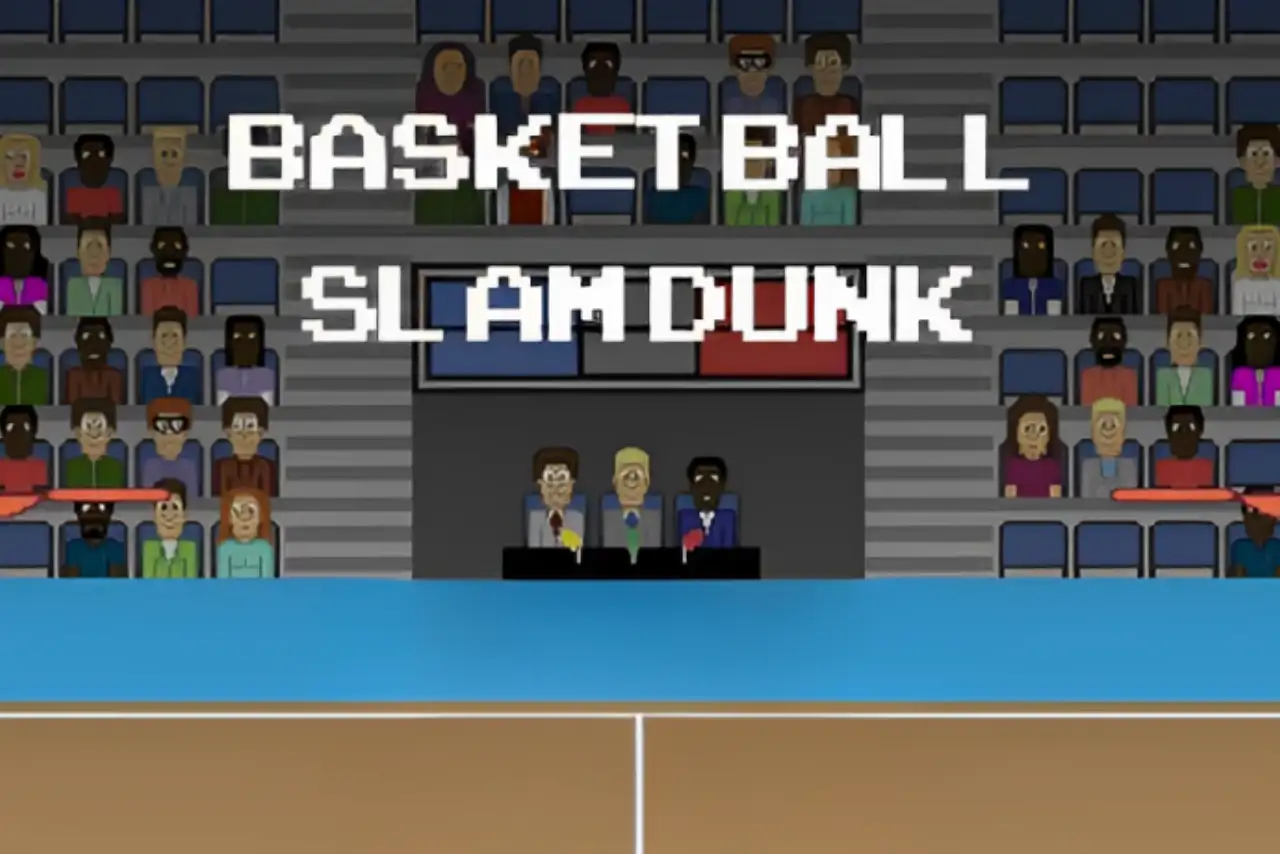
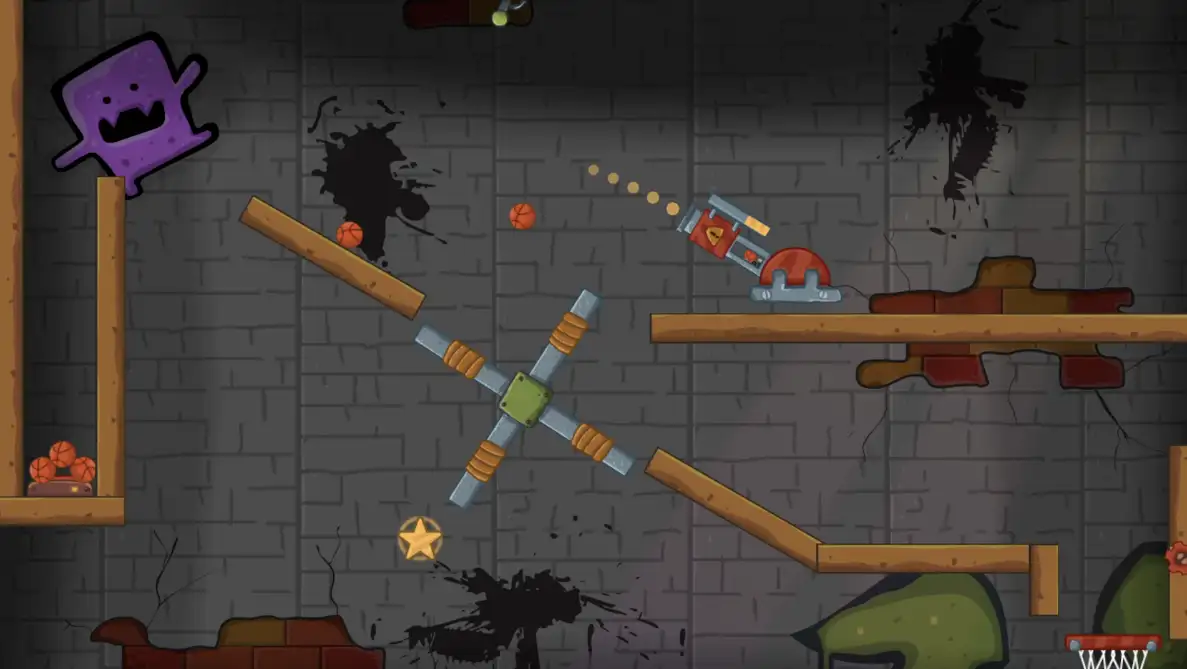
Basketball Plus+ is a strong pick if you want to choose between a solo game, Quick Match, and multiplayer teams. Its current menu exposes 1v1 and 2v2 after selecting Multiplayer. Basketball Slam Dunk is a shorter first-to-three duel, while Cannon Basketball games focus on solo aiming puzzles; the collection lets you compare those formats from the game cards.
The source page credits Sandro N. Studios as the creator and says the game was made from scratch in Godot. Its landing text mentions Tournament and Career, while the direct embed currently shows Single Player, Multiplayer, Quick Match, and Credits. The in-game overlay is the current reference for controls.
Basketball Plus+ controls
- Player 1 moves with W, A, S, and D; V is the action key for shooting or stealing.
- Player 2 moves with the Arrow keys; the period key (.) is the action key for shooting or stealing.
- In 2v2 mode, the help overlay shows C or / for passing to a teammate.
- Double-tap Left or Right to dash. Hold a movement key with the matching action key to dunk; the help overlay also labels Up Arrow as Block.
These keys come from the help overlay in the linked build. The developer page lists X/L for some single-player actions, which differs from the current embed; follow the live help overlay if another published version shows different keys.
Basketball Plus+ questions
What modes does Basketball Plus+ have?
The linked title screen shows Single Player, Multiplayer, Quick Match, and Credits. Multiplayer opens team selection with 1v1 and 2v2 formats. The developer landing text also mentions Tournament and Career, which are not on this reviewed build's title screen.
What are the Basketball Plus+ controls?
Player 1 uses WASD and V; Player 2 uses Arrow keys and period. In 2v2, use C or slash to pass. Double-tap left or right to dash; combine movement with the action key to dunk.
Can two people play Basketball Plus+?
Yes. Choose Multiplayer, then select 1v1 or 2v2 from the linked build's team-selection screen. The on-screen help shows separate controls for both sides.
How do you score three points in Basketball Plus+?
The developer's tips say a jump shot from behind the three-point line counts as three points in the described build.
Loading comments…