





Play Basketball Legends 2020 Online
- Game type
- Cartoon arcade basketball
- Player mode
- Single player or local two-player mode
- Platform
- Browser game
- Modes / play format
- 1 Player, 2 Players, Quick Match, Credits
- Controls
- Player 1: WASD + B/S/V · Player 2: Arrows + L/Down/K
- Categories
- Basketball2 PlayerArcade
Play Basketball Legends 2020 online with 1 Player, 2 Players, or Quick Match in the linked build. Check both keyboard layouts before starting.
Choose one-player or local two-player play
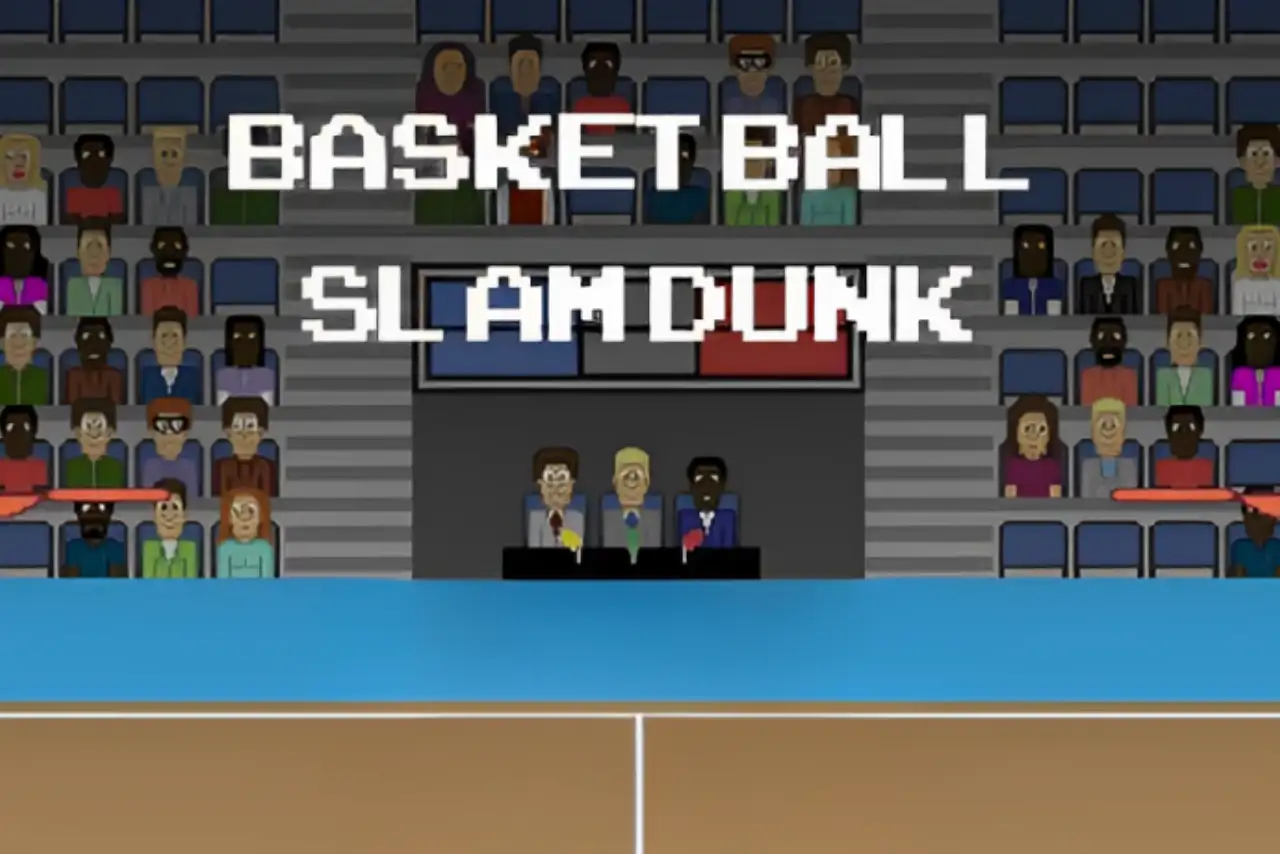
Basketball Legends 2020 shows 1 Player, 2 Players, Quick Match, and Credits in the title menu reviewed for this listing. The one-player route is for a solo session; the two-player option puts both sides on the same keyboard. Quick Match is the direct menu choice for starting a game without looking for a longer format.
This is local play on one computer. The page does not describe an online lobby because the linked build's visible menu shows player-count choices rather than a room code or invite system. If you want to share the court with someone beside you, check the two key groups before launching the match.
Arcade actions on the court
The control set is broader than the one-button games in this collection. Movement uses WASD for Player 1 and the arrow keys for Player 2, with separate actions for shooting or stealing, a pump or block action, and a supershot. That gives players a few more ways to react during a possession, while keeping all actions on the keyboard.
If Basketball Legends 2020 is your first game in the group, try a single-player or Quick Match session and use the menu prompt to learn the actions. The key summary below is kept on this page as a quick reference, but it should not replace a changed prompt from the currently loaded build.
Keyboard controls for both sides
Player 1 moves with W, A, S, and D. B handles the listed shoot-or-steal action, S handles the pump-or-block action, and V activates the supershot. Player 2 uses the arrow keys with L, Down, and K for the corresponding actions. The current menu uses the same keyboard for both players, so place each player on a different side of the computer.
The game includes Credits as a title-screen option; it is not another match mode. Once you have chosen a player count, read any on-court cue before the first possession in case it explains an action differently for that particular session.
Compare it with Basketball Stars
Basketball Legends 2020 and Basketball Stars both provide one-player and local two-player arcade matches, but their key maps and menus are different. Stars lists a Tutorial and a dash action from double-tapping a horizontal direction in the linked build. Legends 2020 is the choice here when you want its Quick Match menu and its own supershot and defensive-action bindings.
For a simpler physics match, open Dunkers or Basket Random instead. The Basketball Games collection links those choices beside this one so you can move between match styles without losing your place in the directory.
Basketball Legends 2020 controls
- Player 1 moves with W, A, S, and D. B shoots or steals, S pumps or blocks, and V activates the supershot in this build.
- Player 2 moves with the arrow keys. L shoots or steals, Down pumps or blocks, and K activates the supershot in this build.
The keys match the linked Basketball Legends 2020 build. Its live menu and action prompts take priority if another host version behaves differently.
Basketball Legends 2020 questions
Can you play Basketball Legends 2020 with two players?
Yes. The linked title menu has a 2 Players option for local play on one keyboard.
Does Basketball Legends 2020 have Quick Match?
Yes. Quick Match appears in the current embedded build's title menu.
What are the Basketball Legends 2020 controls?
Player 1 uses WASD and B/S/V. Player 2 uses the arrow keys and L/Down/K. Check the live prompt if the displayed bindings differ.
Is the two-player mode online?
The linked menu offers 2 Players for local shared-keyboard play. It does not show an online room or matchmaking option.
Loading comments…