
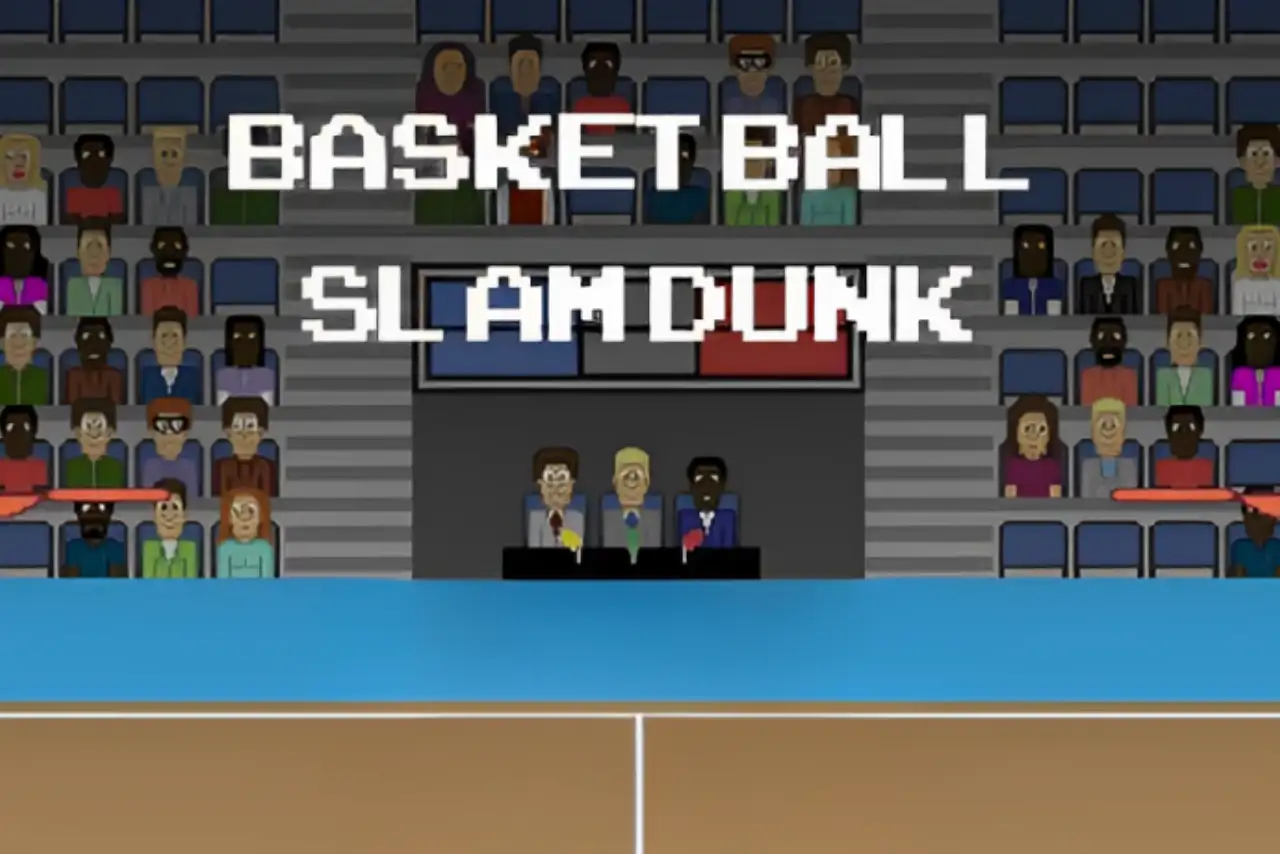


Play Dunkers Online
- Game type
- Physics-based basketball
- Player mode
- Single player or local two-player mode
- Platform
- Browser game
- Modes / play format
- Arcade, Career, 2 Player
- Controls
- Player 1: W · Player 2: Up Arrow
- Categories
- Basketball2 PlayerArcade
Play the Dunkers basketball game online in Arcade, Career, or local 2 Player mode. Time jumps to contest a loose ball and attempt a dunk.
Three ways to start a Dunkers session
The current Dunkers menu lists Arcade, Career, and 2 Player. Arcade starts a standalone match. Career gives the game a continuing match structure, while 2 Player is the local option for sharing one keyboard. Choose a mode from the title screen before using the jump controls below.
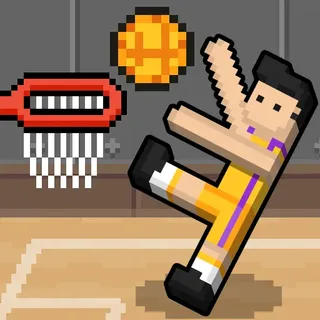
Dunkers is a physics-based basketball game, so the ball and players do not always move like a fixed, lane-based sports game. The main input in the linked build is a jump key for each side. Rather than learn a long set of actions, players focus on timing and positioning around the loose ball.
Jump timing changes the play
Player 1 presses W to jump; Player 2 presses the Up Arrow. In a two-player session, each person uses one key on the same device. The small key set makes the first round easy to start, but reaching the ball at a useful moment still depends on where the characters and ball are moving.
If your first jump misses, watch the ball's direction before pressing again. A jump can be used to challenge for the ball or try to put it toward the basket. Because the game relies on physics, a repeated key press does not guarantee the same outcome every time; respond to the current position instead of expecting a scripted sequence.
Solo play, Career, and local two-player mode
The Arcade and Career menu options are available for a one-player session in the linked build. Select 2 Player when you want a friend beside you. This is local keyboard play rather than an online room, and the mode label is shown on the title screen so you can confirm the selection before the match begins.
Career is the reason to choose Dunkers when you want more than one isolated round. For a single casual contest, Arcade is the direct start. For a partner on the same computer, 2 Player assigns the Up Arrow to Player 2 while Player 1 keeps W.
Dunkers compared with other arcade basketball games
Dunkers has fewer controls than Basketball Legends 2020 or Basketball Stars, where separate keys handle offensive and defensive actions. It also feels different from Basketball Bros, which offers Play Now, Tournament, and Practice. The jump-focused physics make Dunkers a good choice when you want the movement itself to create the challenge.
Basket Random is another physics option, but it adds changing court and player conditions after points and uses its own match loop. Open either title from the related cards to compare them without confusing their control schemes.
Dunkers controls
- Player 1 uses W to jump and reach for the ball.
- Player 2 uses the Up Arrow to jump and reach for the ball.
These keys match the linked Dunkers build. Follow the menu prompt if it shows a different binding for the selected mode.
Dunkers questions
Can I play Dunkers with a friend?
Yes. The linked menu includes a 2 Player option for local play on one keyboard.
What modes are in Dunkers?
The current linked build lists Arcade, Career, and 2 Player.
What are the Dunkers controls?
Player 1 uses W to jump and Player 2 uses the Up Arrow. Follow the selected mode's prompt if it shows a different key.
Is Dunkers a physics basketball game?
Yes. The linked version uses physics-driven movement, and jump timing is the main input described for the two sides.
Loading comments…